
Manual / Personalising the app
The clock
- For
- a controller
- Status
- current
- Covers
- Clock, in ⚙ Settings → Appearance
- Last checked against the app
6f7727e(2026-08-19)
One setting, two options, and one thing about it that catches people out: the
+1 marker on times after midnight stays whichever you choose, because it is not
decoration.
What you are looking at
⚙ Settings → Appearance → Clock, with two choices spelled out by example:
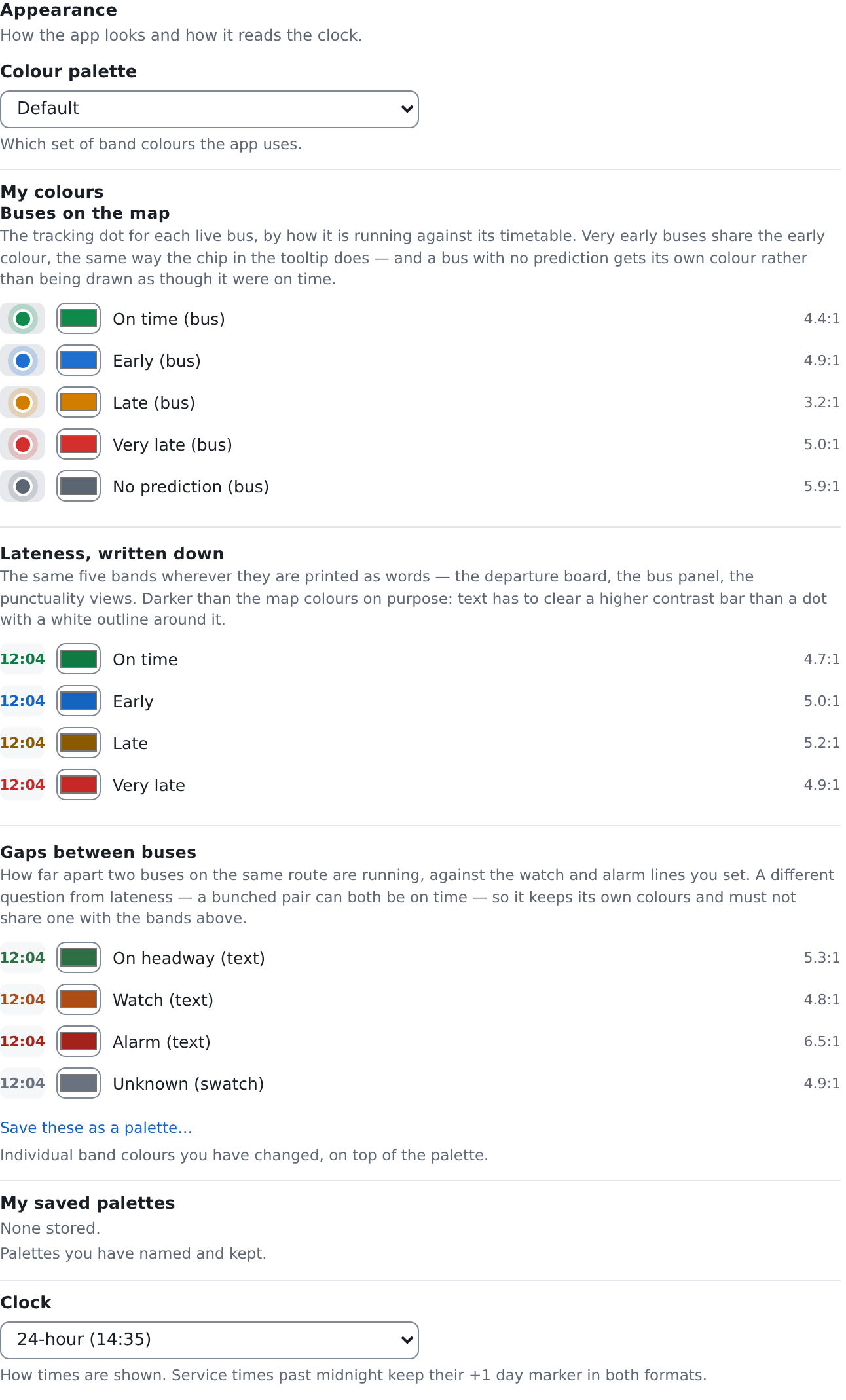
| Option | A time reads |
|---|---|
| 24-hour (14:35) | 14:35 |
| 12-hour (2:35 pm) | 2:35 pm |
24-hour is what the app opens on.
The change lands immediately, on the screen you are looking at. You do not have to reload, and you do not have to close the panel.
The +1 marker survives both
A last bus that leaves at ten past one in the morning belongs to the previous day's service, and this app shows it as 01:10+1 — the real clock time, with a marker saying it falls after midnight but belongs to the day before.
Switch to a 12-hour clock and that becomes 1:10 am+1. The marker does not go away, because it is not a formatting flourish: a bare "1:10 am" is a different and wrong statement about which day a driver is being told to be somewhere. See Service day in the Glossary.
What they do not mean
The clock format is yours and does not travel. It is not a property of the timetable, of a route, or of anything you send anyone.
- A link does not carry it. Send someone the address of a timetable and they read it in their own format.
- A printed diversion document does not carry it. Driver instructions and bulletins are always produced in 24-hour form, whatever you have chosen. They are read at the wheel by people who did not make this setting, and one form for every copy is the safer answer.
It does not change any time in this app that is not a service time. In particular the traffic radio's bulletin times are wall-clock timestamps in your browser's own local format — the row that says 10:15 am · Today · 20 minutes ago stays exactly as it is when you switch to 24-hour. Those are two genuinely different quantities: a service time is measured from the start of a service day and can run past 24 hours, and a timestamp is just a moment.
Two screens are updated on the way past rather than immediately, and they look like the setting half worked:
- the Diversions tab, if you have a half-written plan open. Redrawing it would discard what you have typed, so its times adopt the new format on your next navigation instead;
- the Map Explorer's panels, beyond the departure board and the live bus list, which repaint straight away. Anything else on the Explorer picks the format up the next time it is drawn.
Nothing is wrong in either case, and neither is a reason to reload.
It is a display choice, not a data change. No number moves. A departure at
14:35 and a departure at 2:35 pm are the same departure, and the app compares
and stores them identically.